Contents
This page contains learning objects built with a variety of authoring tools. Scroll down to see all or jump to an example:
- Interactive Orientation with Google Maps: Custom Google Map with embedded videos
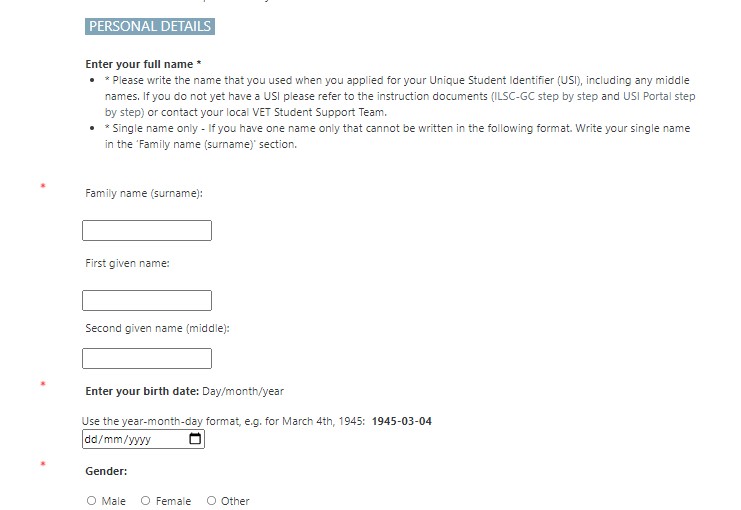
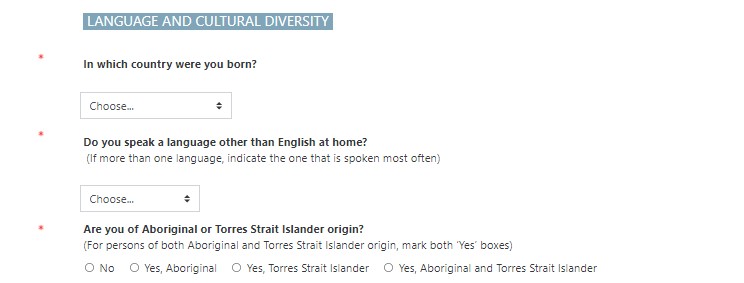
- eForms: Digital form to collect ASQA compliance data for easier reporting
- Ice-Breaker Activities: Online activity to encourage student interaction
- Branching Scenario in Storyline: Articulate Storyline “choose your own adventure” scenario
Interactive Map Orientation
The Challenge:
Arriving students’ satisfaction and early academic success is improved by the ease of their initial induction to campus life – finding and settling in at the campus and locating what they need in the surrounding area. Supporting students in navigating a new environment and finding facilities and services to meet their needs assists students in preparing to study.
Design goals:
- Offer a usable, highly accessible orientation resource to new students, detailing the college campus and surrounding area, including details on how to find reception as well as advice on local services.
- Info on college location and how to navigate to and from the college.
- Advice on services, shops, and facilities on a restricted budget.
- Smartphone access with familiar / common apps.
- Motivating, discovery-inspiring and flexible.
The Solution:
Create an interactive Google Map embedded with videos – see “Interactive Orientation with Google Maps”. Google maps was selected because it is:
- Familiar: Use technology already familiar to students so learning curve and extraneous cognitive load are minimal.
- Available on all devices: Downloadable for offline use or accessed via Wi-Fi. Works particularly well on smart phones – the device most commonly relied upon by students.
- Flexible and open: Follows Wiley’s principles of open educational resources: students can retain, reuse, revise, remix and redistribute the map. The map can be queried, copied, and repurposed.
- Motivating: Use an ARCS model. Knowing the students’ pain points, design a Google Map that gains the students’ attention, provides relevant information, builds their confidence navigating Brisbane CBD, and provides them with a sense of satisfaction as they discover the city.
- Constructivist: Inspires students to freely explore the city “based on an individualized path of discovery.”
The Tools:
- Google Maps
- Video editor
- Screencast-O-Matic
- YouTube
Interactive Orientation with Google Maps

Interactive Orientation Presentation
eForms
The Challenge:
Collect AVEMISS enrolment data from students distributed across Australian campuses. Have all data collected in a single, exportable file for AVETMISS reporting.
The Solution:
I created an online form within the LMS as a single activity course which enables embedding the link in each campuses’ orientation – see “Sample AVETMISS eForm”. Additionally, the form link can be emailed to students commencing new qualifications. The online form has follow-up functionality where students who have not completed the form receive a reminder email.
The Tools:
- Feedback activity (Moodle)

Ice-breaker Activities
The Challenge:
Provide ice-breaker activities for new students to get to know each other on their first day at the college. Activities needed to be accessible online and in person.
The Solution:
Created speaking activities that are universally appealing to guide new students to open conversations with fellow students.
- Find Someone Activity: Using the feedback activity in Moodle, I created an activity for students to mingle in person or in break-out groups online to find people who have experienced one or more activities in the list – see “Get to know you” and “Find someone who” Activities”.
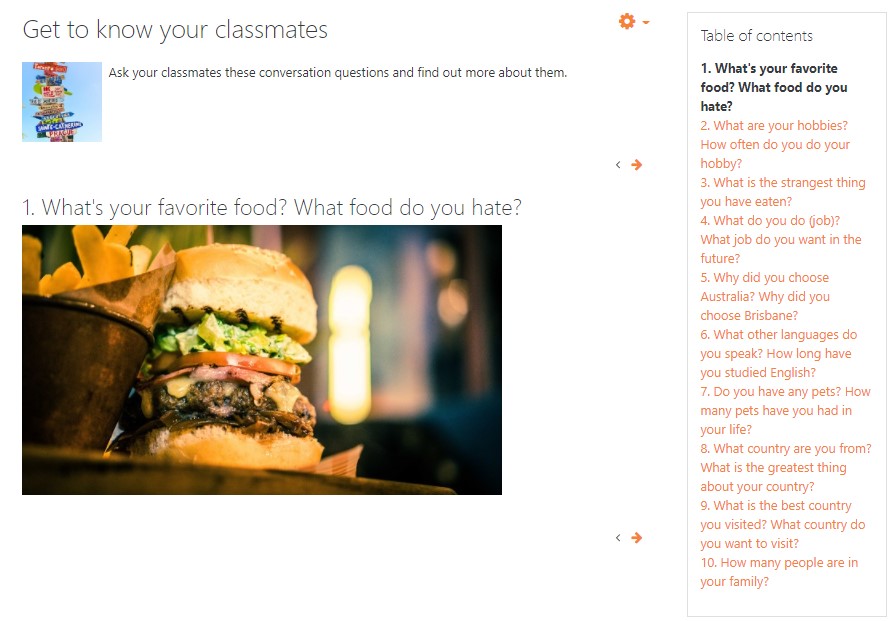
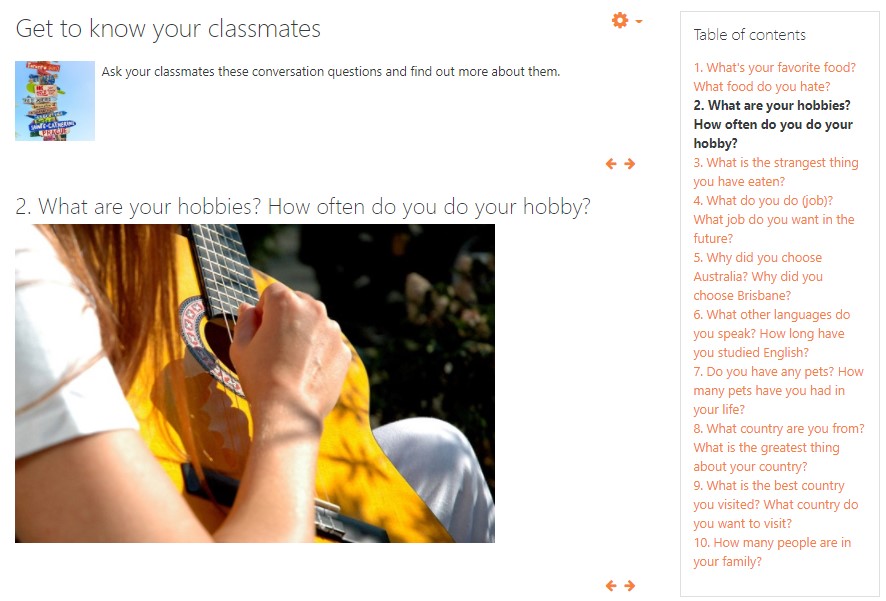
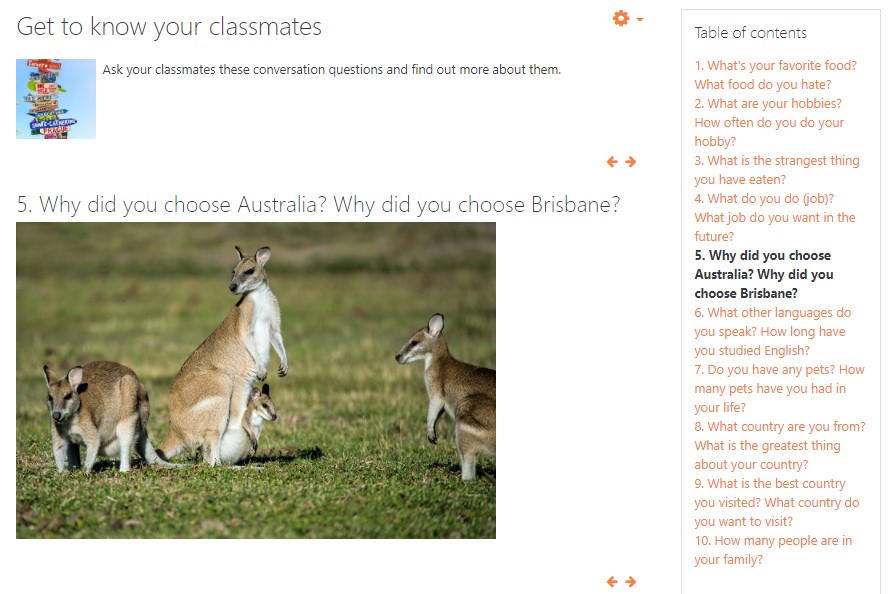
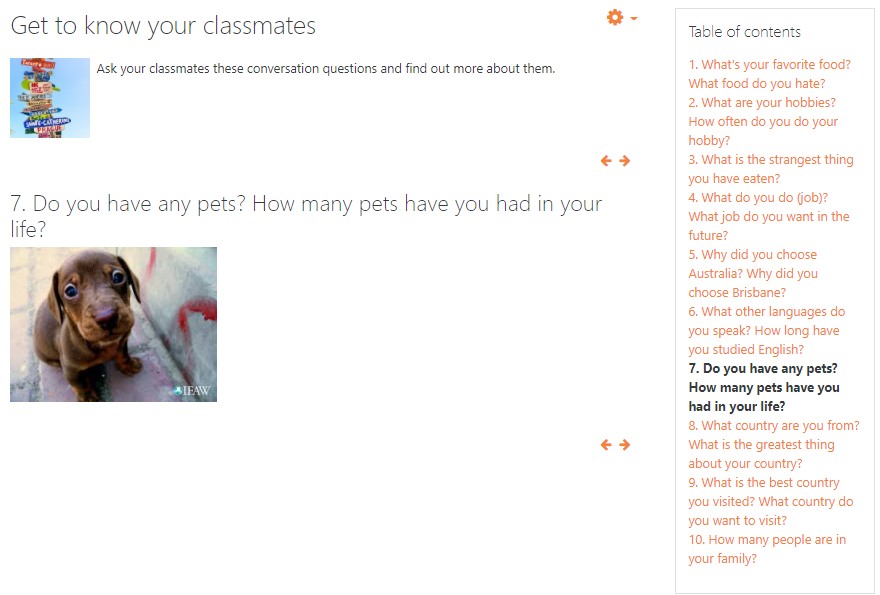
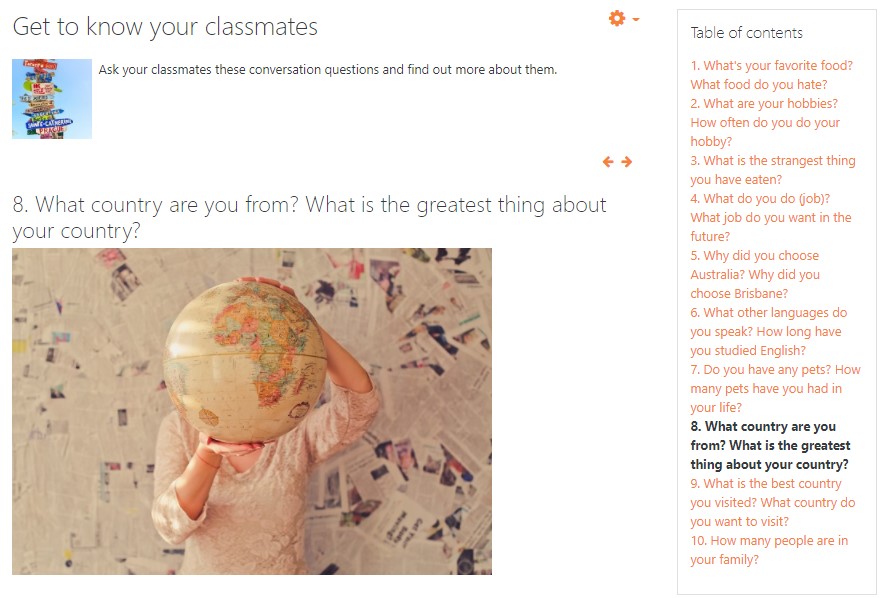
- Using the book activity in Moodle, I created a flashcard activity with 10 discussion questions. The questions were highly relatable and complemented with high-impact images – see “Get to know you” and “Find someone who” Activities”.
The Tools:
- Feedback activity (Moodle)
- Book activity (Moodle)





Branching Scenario in Storyline
The Challenge:
“Active Resilience in the Workplace” is a new unit in development at the University of Technology Sydney. One of the learning objects is a branching scenario in which users are presented with choices to that demonstrate reliant or non-resilient outcomes. I was tasked with developing a proof of concept for the branching scenario.
The Solution:
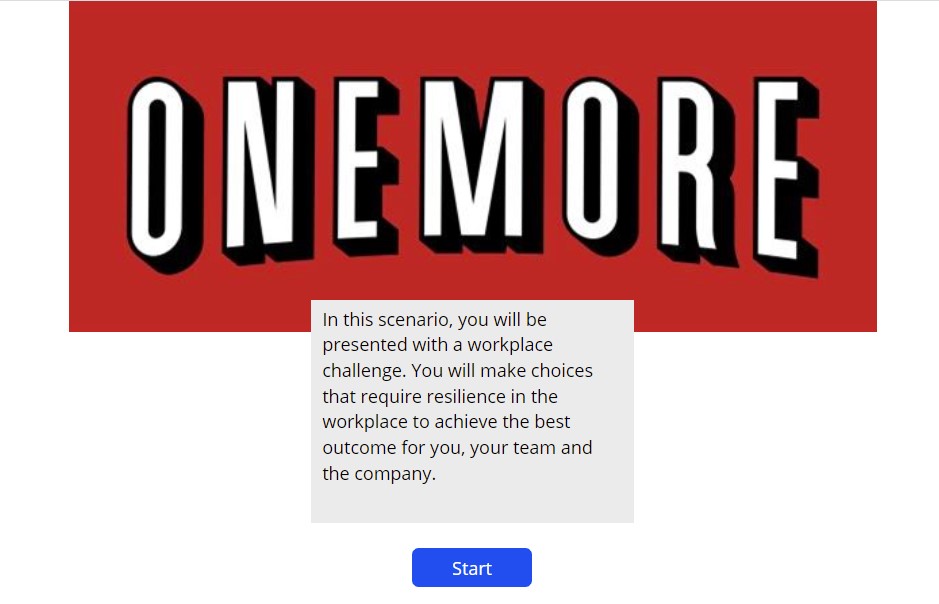
I used Articulate Storyline to create the branch scenario. Visit the UTS blog post on my work.
The work breakdown structure I used:
- Complete the branching scenario storyboard, including:
- Review all scenes and choices in the scenario for continuity and coherence.
- Complete the branching scenario where branches endings are incomplete.
- Apply consistent slide and choices titling for development.
- Follow UTS style guides for consistent branding.
- Create prototype of the branch scenario as a proof of concept.
- Gain feedback on prototype from project sponsor.
- Make amendments.
- Submit prototype to sponsor.
The Tools:
- Articulate Storyline
- Basic HTML
 Jennifer Williamson